 Download & buy
Select.
Wait.
Play.
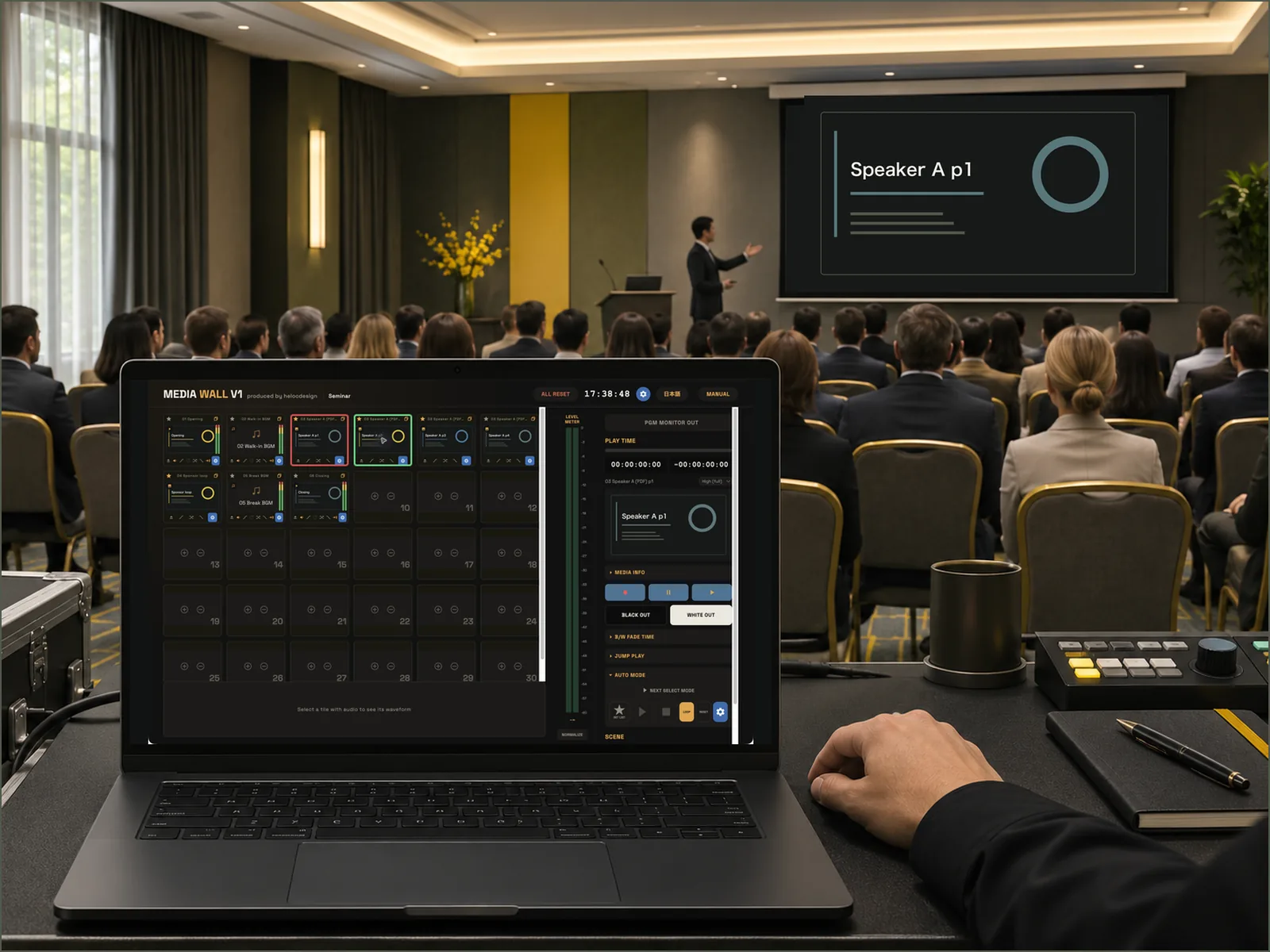
Illustrative scene, not a customer case. The app screen is real.
Seminar and corporate event playback: the right clip, on the MC’s cue.
MEDIA WALL keeps the opening video, walk-in music, speaker slides and sponsor stills in one grid, in running order. A click chooses what is next. It reaches the audience only when you press play.
Mac: Apple Silicon, macOS 13 or later · Windows: Windows 11 x64 (Intel or AMD)
An example morning
A seminar run sheet, as tiles
09:30
Doors open
Star the walk-in music and sponsor videos. SETLIST plays them in order and LOOP keeps them going.
10:00
Opening video
The tile is already selected. The MC says the word, you press Space.
10:05
Speaker A
Their deck came in as a PDF, one page per tile. A clicker’s Page Down plays the next one.
10:45
Break
BLACK OUT clears the screen, then the sponsor loop starts again.
11:00
Speaker B’s video
It arrived with ten seconds of black at the front. You moved the start point on the waveform.
12:00
Close
Walk-out music, levelled with NORMALIZE so it matches everything before it.
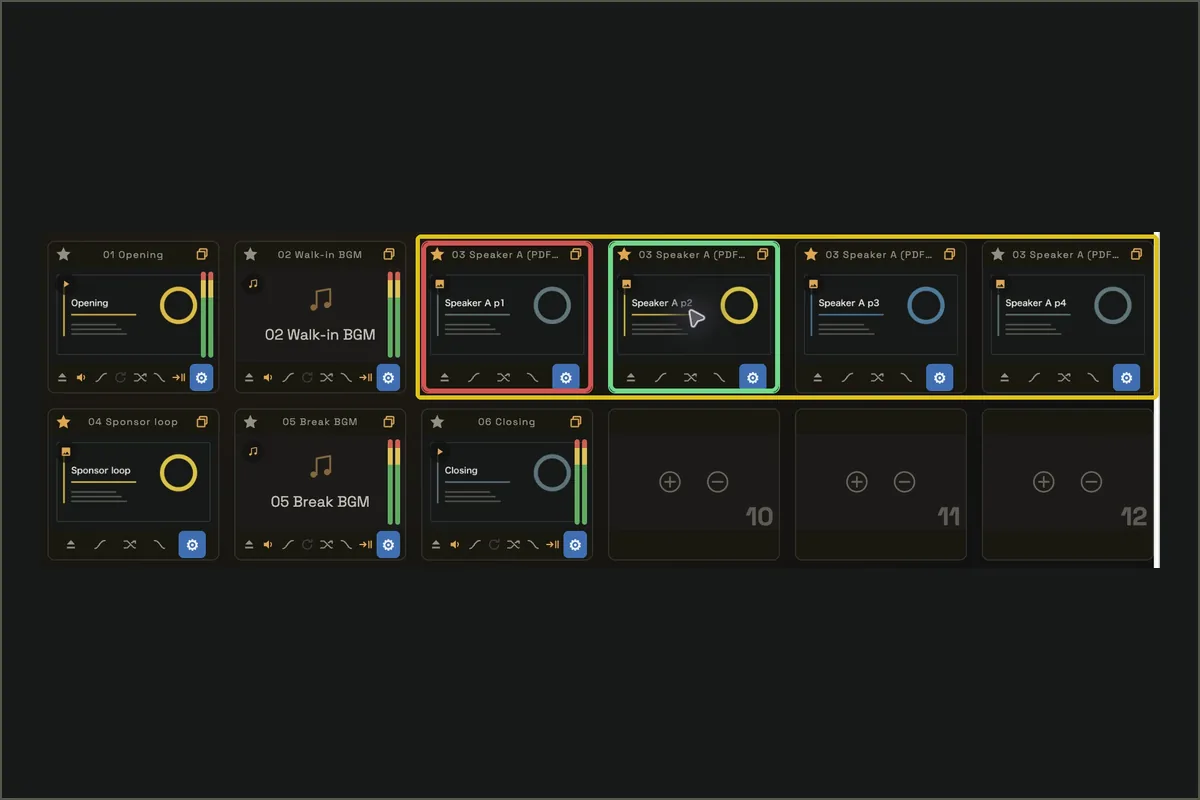
Times are an example. Each scene holds 30 tiles and there are 10 scenes, so a full day fits in one project.
A click selects. Space plays.
That one rule is why nothing goes on screen by accident. Line up the next tile while the current one is still running.
01 Walk-in
02 Sponsor A
03 Sponsor B
05 Speaker A p1
06 Speaker A p2
07 Speaker A p3
08 Break loop
09 Speaker B
10 Awards
11 Closing
12 Walk-out
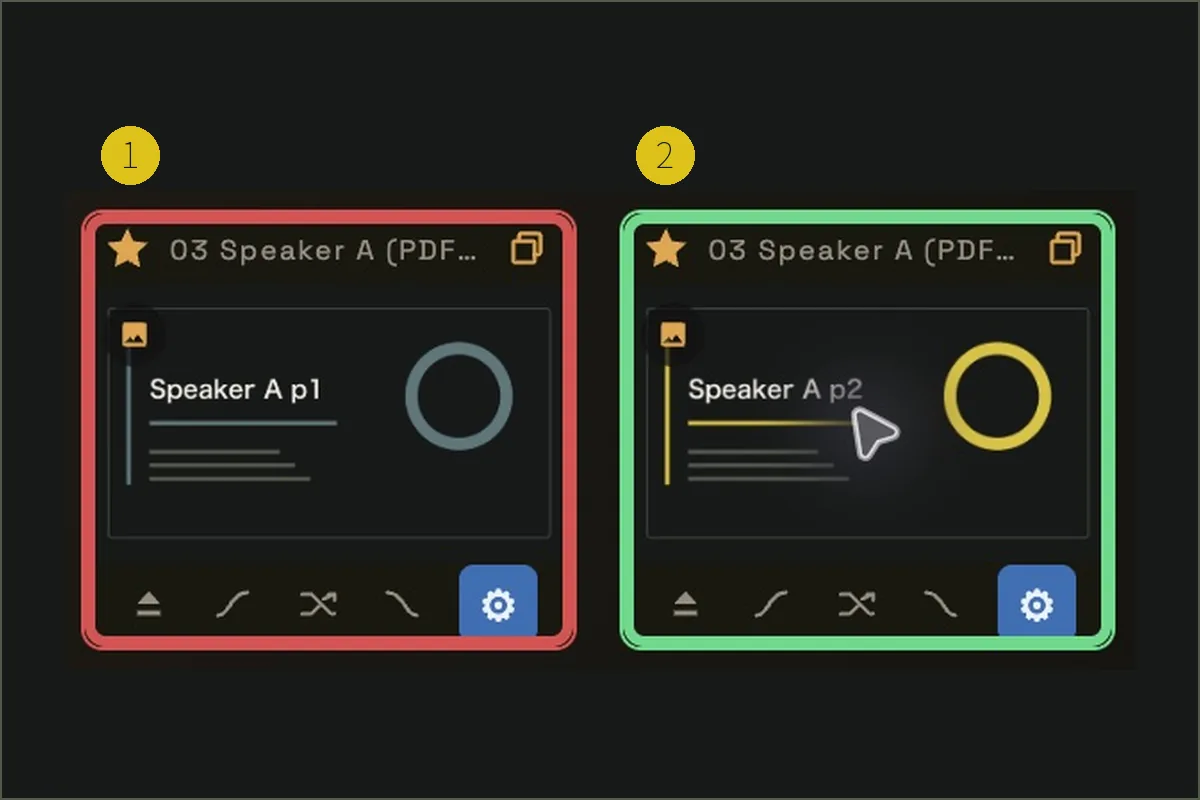
Drawing of the idea, not a screenshot: the red tile is playing, the green one is selected and waiting.
And in the app: red is playing, green is selected.
IN/OUT
Fix a clip at the venue, without re-exporting
Set the start and end on the waveform, give each tile its own volume and fades, and let NORMALIZE balance files that arrive at different loudness.

ONE DEVICE PER LICENSE
MEDIA WALL licenses for Mac and Windows
Choose a separate license for Mac or Windows. One registered device per license. Updates within v1.x included. Commercial and commissioned use permitted.
$49
one-time
What it is not
Slides are PDF pages. PowerPoint animations and embedded video do not carry over.
One external display. No NDI, SDI or multi-screen blending.
The preview mirrors the audience screen. There is no separate preview of the next item.
Mac requires Apple Silicon and macOS 13 or later. Windows requires Windows 11 x64 (Intel or AMD).
Seminar playback: common questions
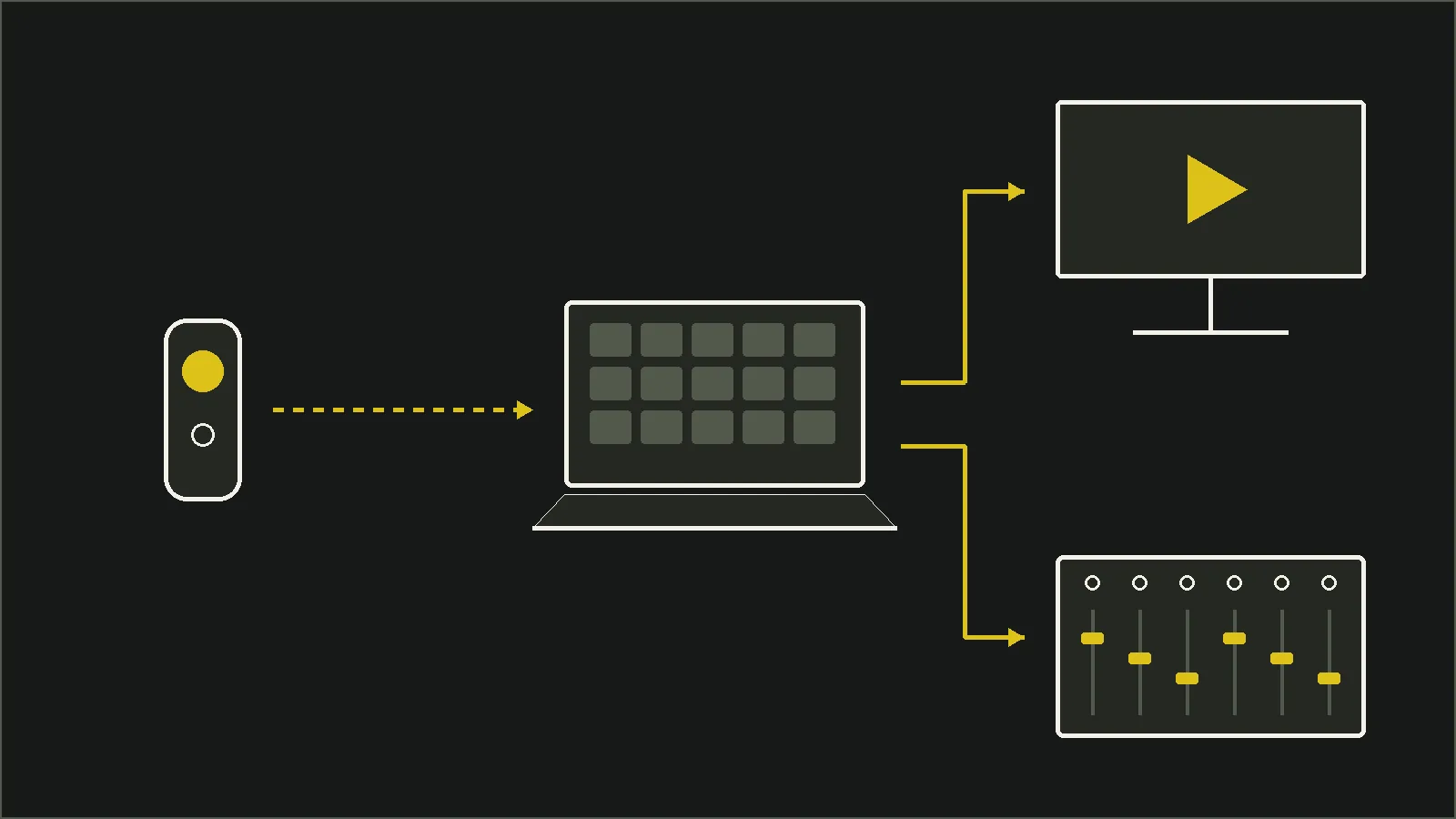
Connect the clicker to your Mac or Windows PC, then connect the computer to the projector and the room’s audio mixer.
How do I show PowerPoint slides and videos from one computer?
On Mac or Windows, export your PowerPoint slides as a PDF and import it into MEDIA WALL. Each page becomes a tile alongside your video and audio files. A presentation clicker that sends Page Down or Page Up can advance or go back through the tiles.
Which video files does it play?
On Mac, ProRes 422 Proxy, LT, 422 and HQ play directly. ProRes 4444 and HAP are not supported. For Windows, see the Windows file format guide. Whether a MOV or MP4 plays depends on its codec, so test the real files in the free demo.
How do I send the picture to the projector?
Connect the projector as an external display and open PGM MONITOR OUT. Check the display arrangement and resolution at the venue.
Does it work without internet at the venue?
Yes, while the device certificate is valid. Launch the app online before you leave so the certificate renews.
Other ways people use MEDIA WALL
Rehearse with your own files before the day.
Download the Mac or Windows edition to try the demo. A license for that edition unlocks the same app. It runs for 30 days from first use, up to 30 minutes per launch, with a watermark on the output and saving turned off.