
helocdesign tools — MEDIA WALL for media playback, PRESEN TIMER for timing
01 / MEDIA PLAYBACK
MEDIA WALL for Mac
YOUR NEXT
CUE.
Your media. Your timing. Arrange video, audio, stills and PDFs, then send the next cue to your audience.
No account needed. Demo: 30 days from first use, up to 30 minutes per launch.
Apple Silicon Mac · macOS 13 or later
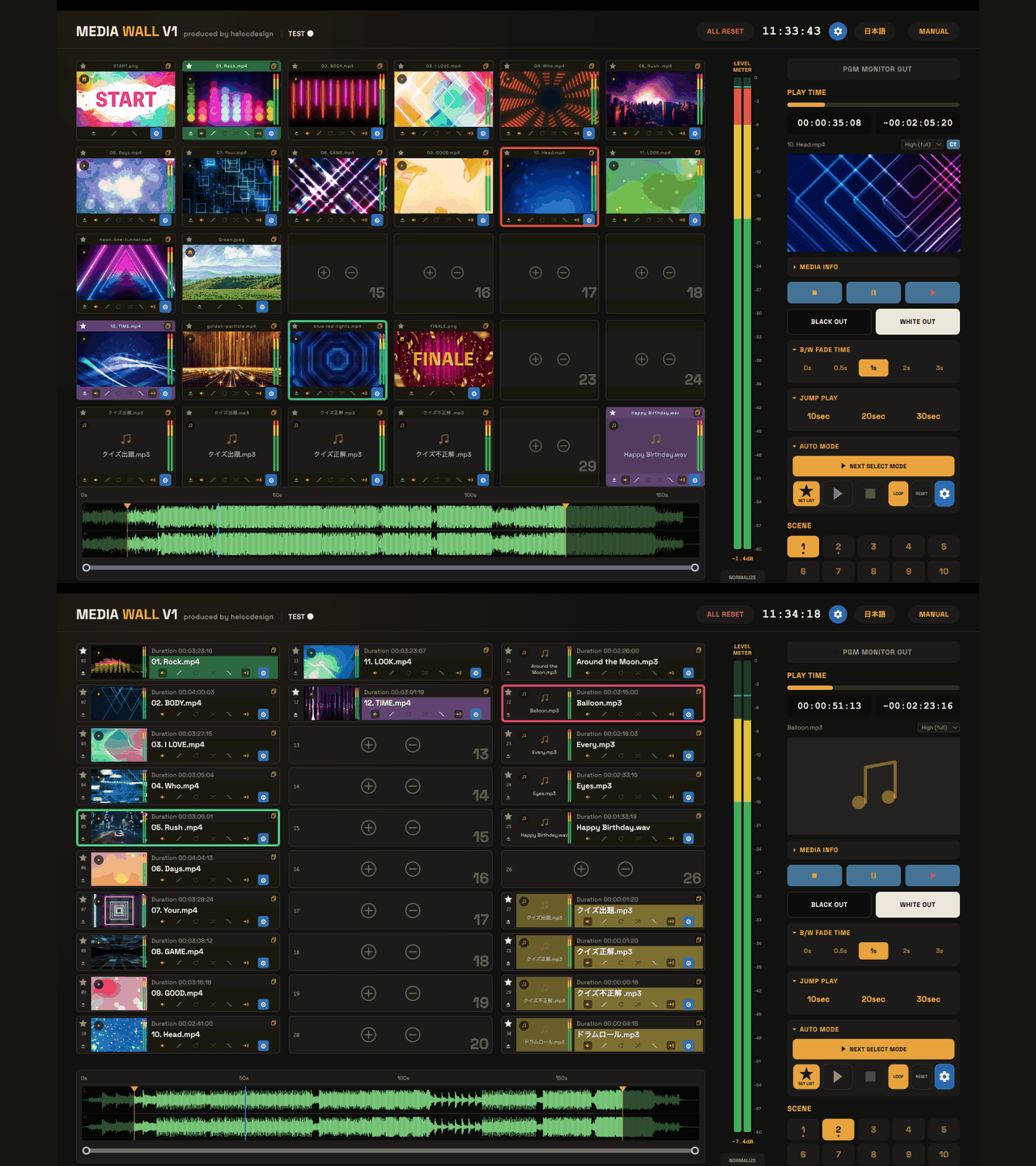
01 ARRANGE02 CUE03 PLAY
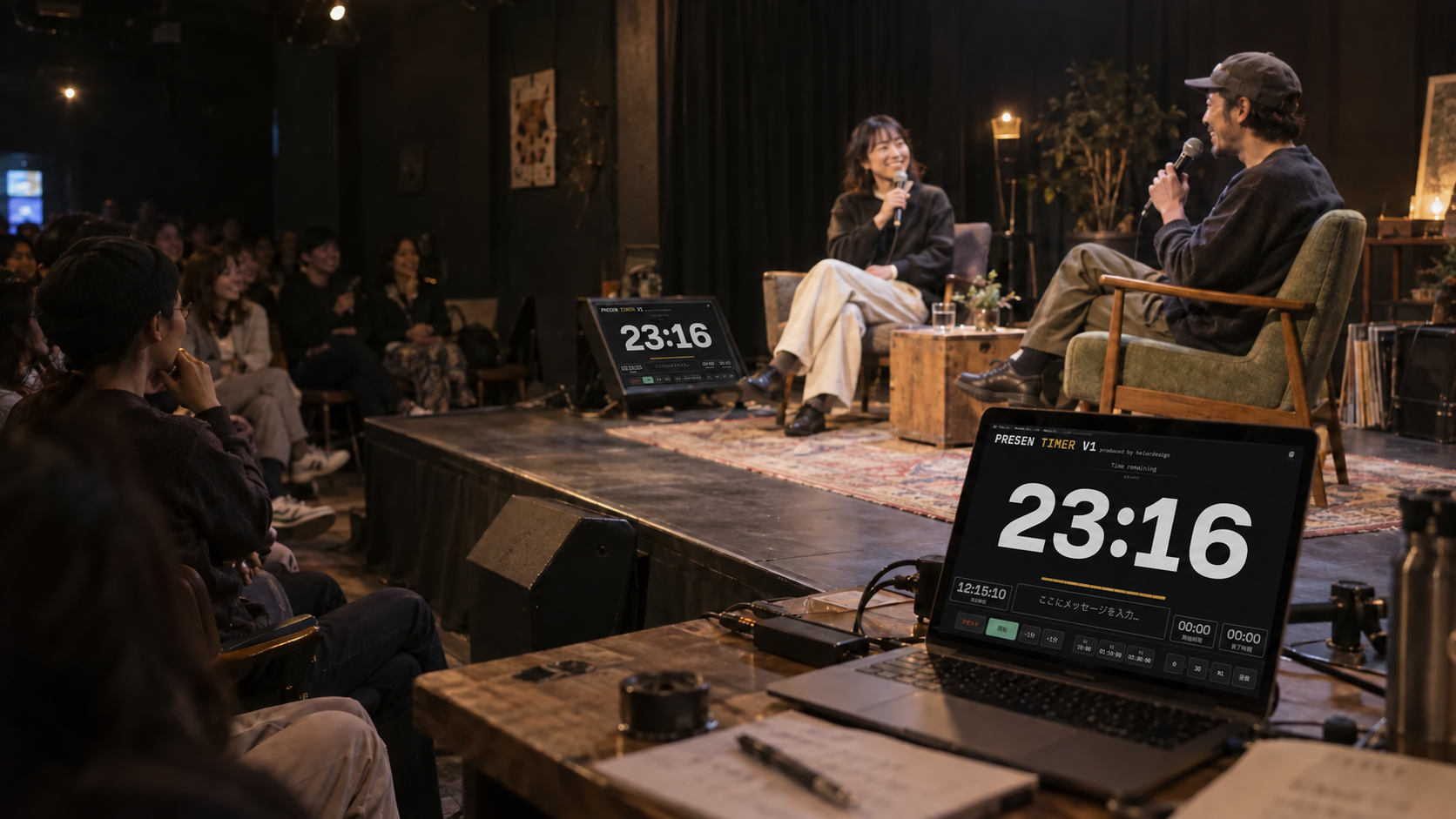
MEDIA WALL / IN PRACTICE
From the first file
to the final cue.
One workflow for preparing your media
and running the show.
01
ARRANGE
Build your visual set.
Bring video, audio, stills and PDFs together. Arrange tiles in the order that works for you.
02
CUE
Find your starting point.
Use waveforms and playback settings to prepare the next cue before it goes live.
03
PLAY
Send it to the room.
Trigger playback and send PGM output to an external display. Keep your controls on your Mac.
helocdesign tools
Picture. Sound. Time. Two tools for show day.
Two practical apps by heloc, shaped by real event work.

MEDIA & CUES
MEDIA WALL
Organise and play video, audio, stills and PDF pages in one workspace.
Free app download · One-time license purchase
Explore MEDIA WALL →
TIME & SPEAKERS
PRESEN TIMER
Control the timer at your desk, or show remaining time to your speaker.
Free · Browser app · Ready to use
Explore the free timer →PRESEN TIMER. Time everyone can see.
A free browser timer for talks, workshops and rehearsals. No signup or installation.
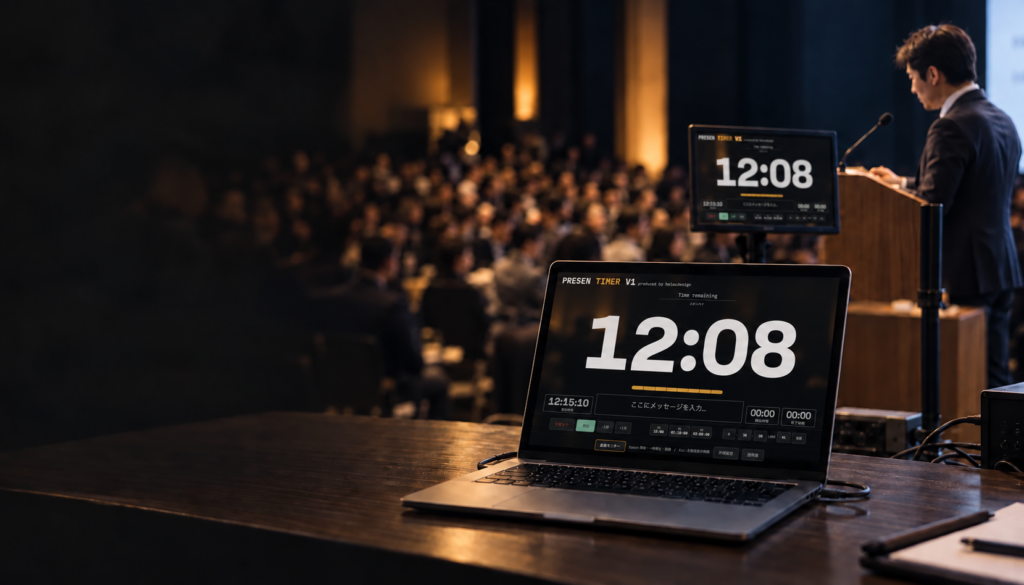
Presentations & talks
The paid Mac app shows the countdown on a connected extended display. Use the current device’s screen in the free browser version.

Workshops & classes
Run the timer on a tablet and show it to your instructor. No installation or signup needed.
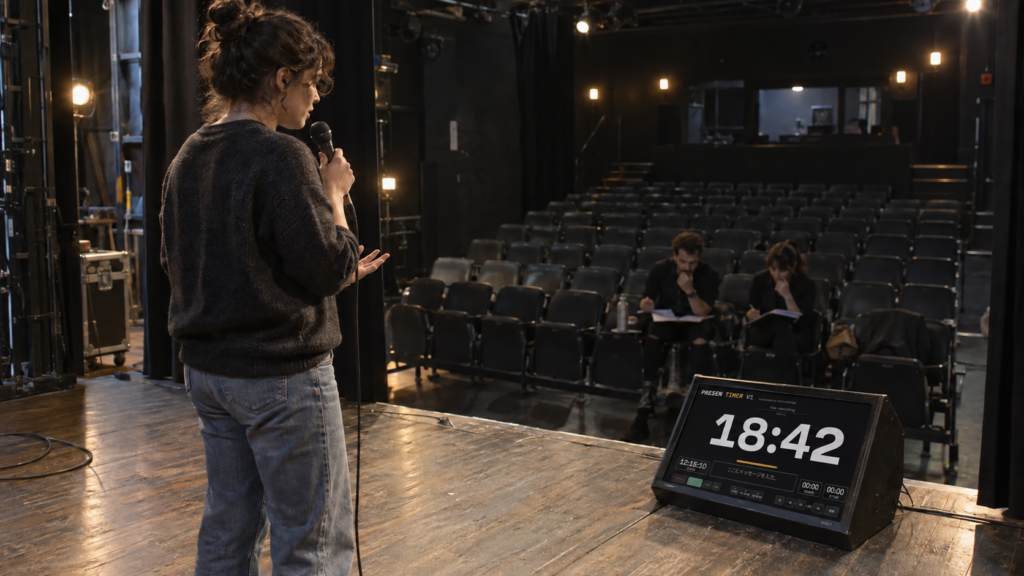
Rehearsals & run-throughs
Check the timing before the audience arrives. A separate speaker display is supported by the paid Mac app.

MADE BY heloc
Made on the job.
Refined for the next show.
Design, photography, live filming and streaming inform heloc’s tools. Improvements start with the needs he finds while using them on the job.