 Download & buy
Select.
Wait.
Play.
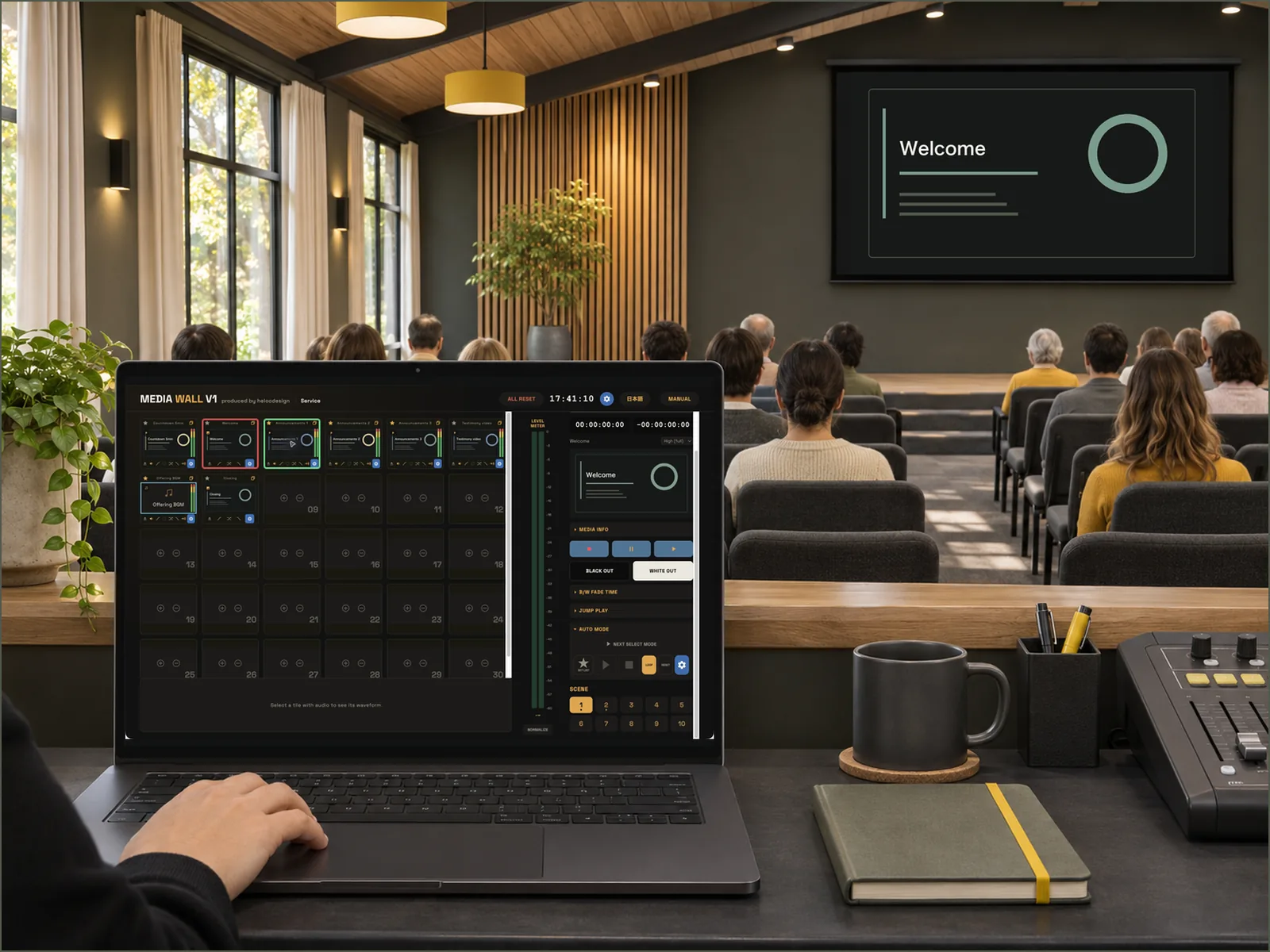
Illustrative scene, not a customer case. The app screen is real.
Church video and announcement playback, simple enough for any volunteer.
MEDIA WALL plays the media around the service: countdown, welcome slide, announcements, testimony video, offering music. Each item is a tile a volunteer can see and select. It goes on screen only when they press play.
Mac: Apple Silicon, macOS 13 or later · Windows: Windows 11 x64 (Intel or AMD) · Not a lyrics or Bible tool
An example Sunday
A service order, as tiles
10:25
Countdown
A five-minute countdown video, already selected so it starts with one key.
10:30
Welcome
A still slide on the front screen while people sit down.
10:32
Announcements
Three short videos, starred. SETLIST plays them in order; still slides stay up 5 seconds by default.
—
Worship
Your lyrics tool takes the screen. BLACK OUT keeps MEDIA WALL’s output dark meanwhile.
11:15
Testimony video
Its start trimmed on the waveform, so it begins right on the first word.
11:45
Offering music
Levelled with NORMALIZE so it is not louder than everything else.
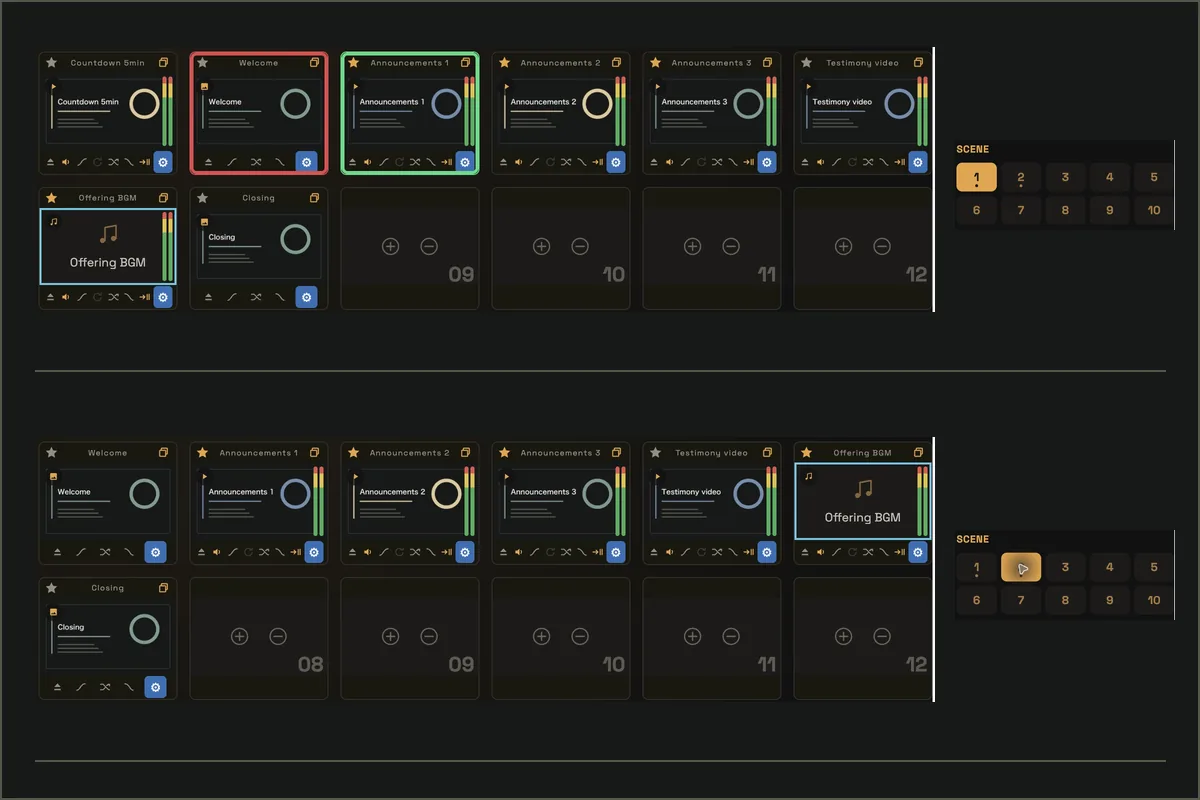
Times are an example. Save the order as a project and reopen it next week; only the files that changed need replacing.
Select. Then play. Never by accident.
A single click only selects a tile, so a slip of the mouse does not put the wrong thing on the front screen. A double-click or the Space bar plays it. In the app, the playing tile has a red frame and the selected one a green frame.
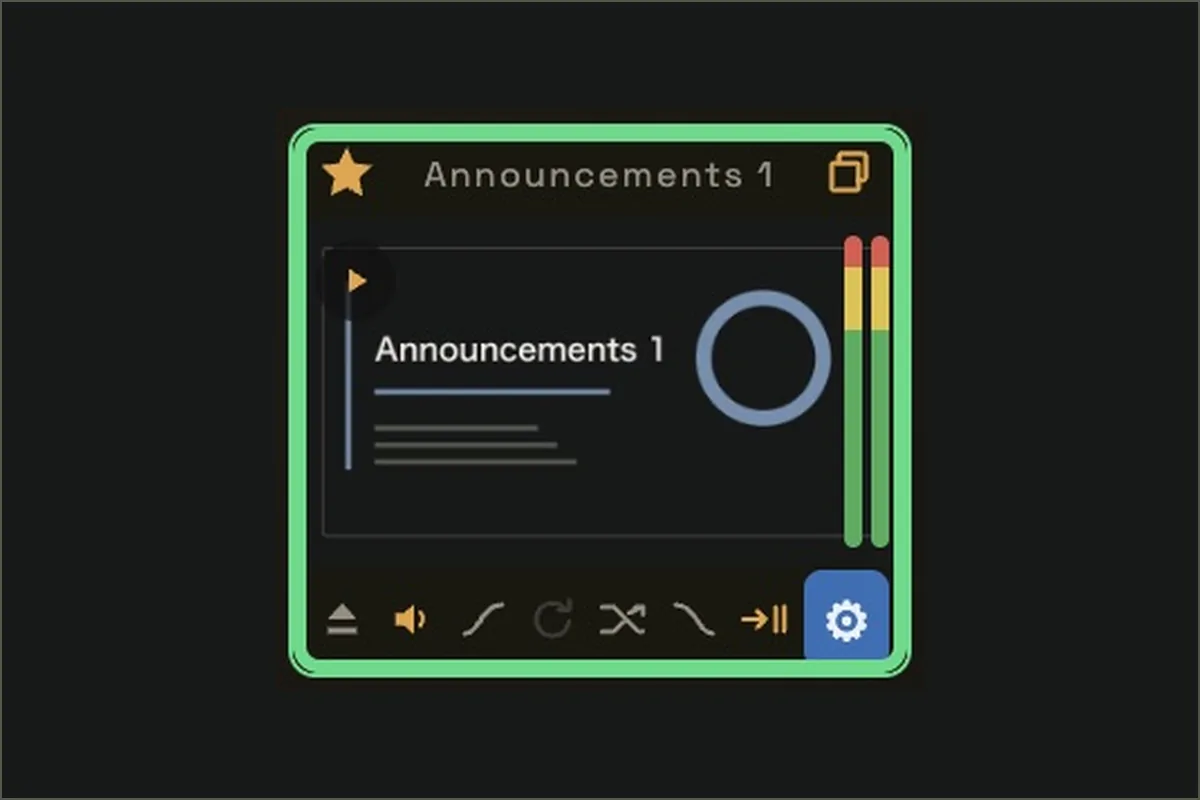
Real app screen. Each tile shows a thumbnail and its name.
LOOP
Loop the announcements before the service
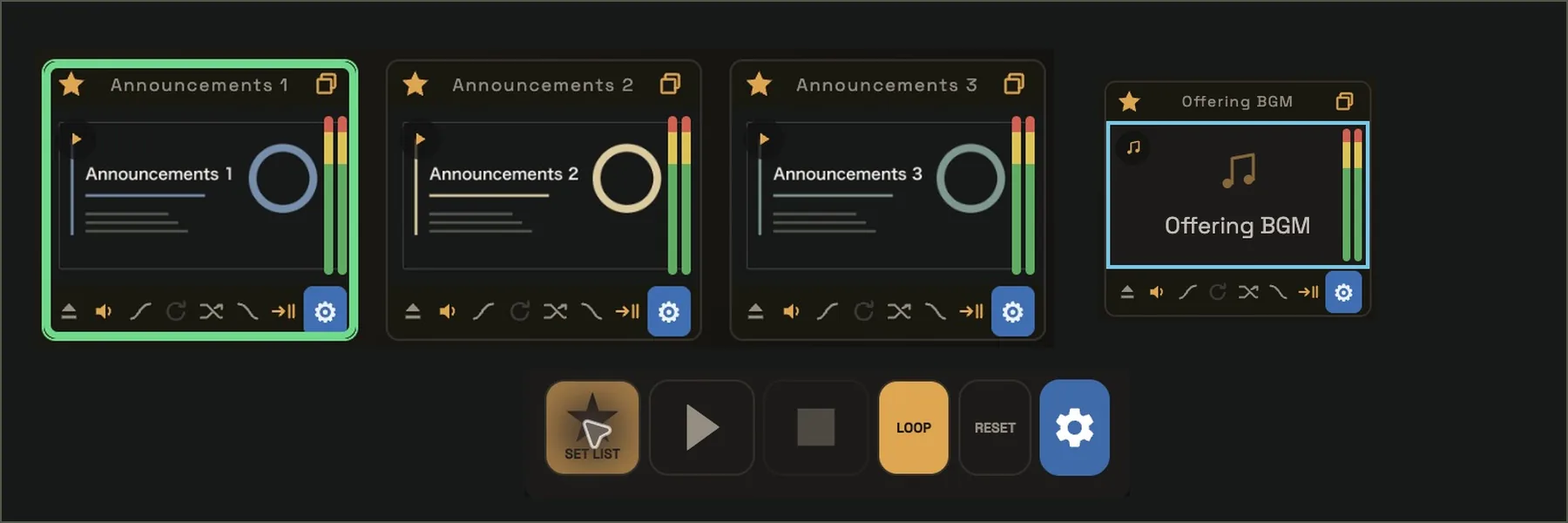
Star the announcement videos and the walk-in music, turn on SETLIST and LOOP, and press LIST PLAY. The list repeats until you stop it. When the service begins, BLACK OUT clears the screen.
ONE DEVICE PER LICENSE
MEDIA WALL licenses for Mac and Windows
Choose a separate license for Mac or Windows. One registered device per license. No subscription. Updates within v1.x included.
$49
one-time
What it is not
A lyrics or Bible tool. ProPresenter was first built for houses of worship and covers both, at $289 per seat per year with a 14-day trial.
A stage display for the worship team, or several outputs. MEDIA WALL drives one external display.
A live-stream output. There is no NDI or SDI.
Intel Macs are outside the supported requirements. Use Windows 11 x64 on a supported PC.
Church media playback: common questions
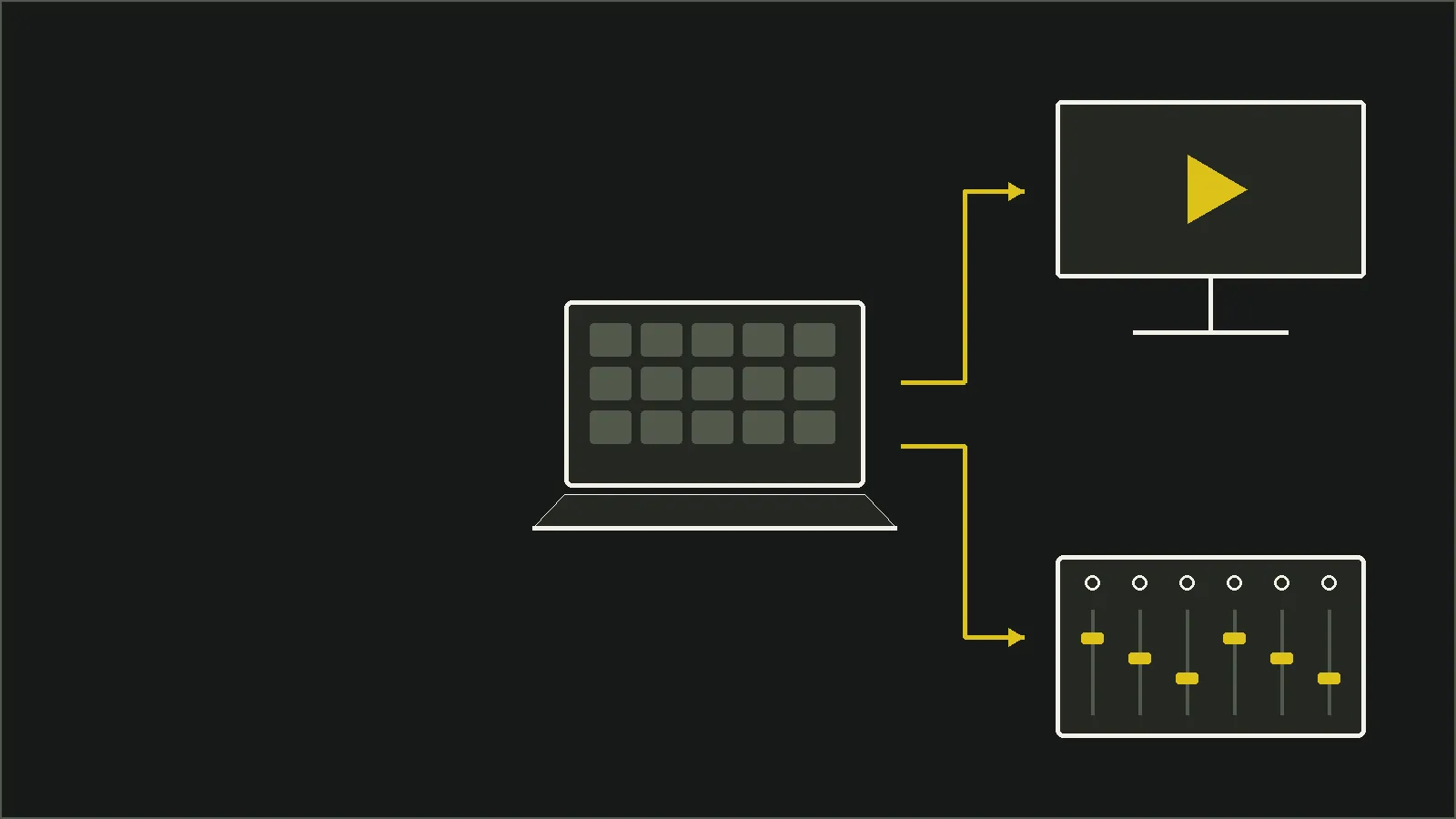
Connect your Mac or Windows PC to the projector and the sound desk.
Can MEDIA WALL show song lyrics?
No. It plays video, audio, still images and PDF pages. Many churches keep a lyrics tool for worship and use MEDIA WALL for the videos and music around it.
How do I loop announcement videos before the service?
Star the tiles, turn on SETLIST PLAY MODE and LOOP, then press LIST PLAY. Still slides in the list stay up 5 seconds by default, and you can change that.
Can volunteers use it without training?
Each item is a tile with a thumbnail and a name, in service order. Clicking only selects; nothing plays until they double-click or press Space.
Is there a subscription?
There is no monthly fee. Each license is a one-time purchase for one registered device on the chosen operating system.
Other ways people use MEDIA WALL
Try it with this week’s files.
Download the Mac or Windows edition to try the demo. A license for that edition unlocks the same app. It runs for 30 days from first use, up to 30 minutes per launch, with a watermark on the output and saving turned off.