
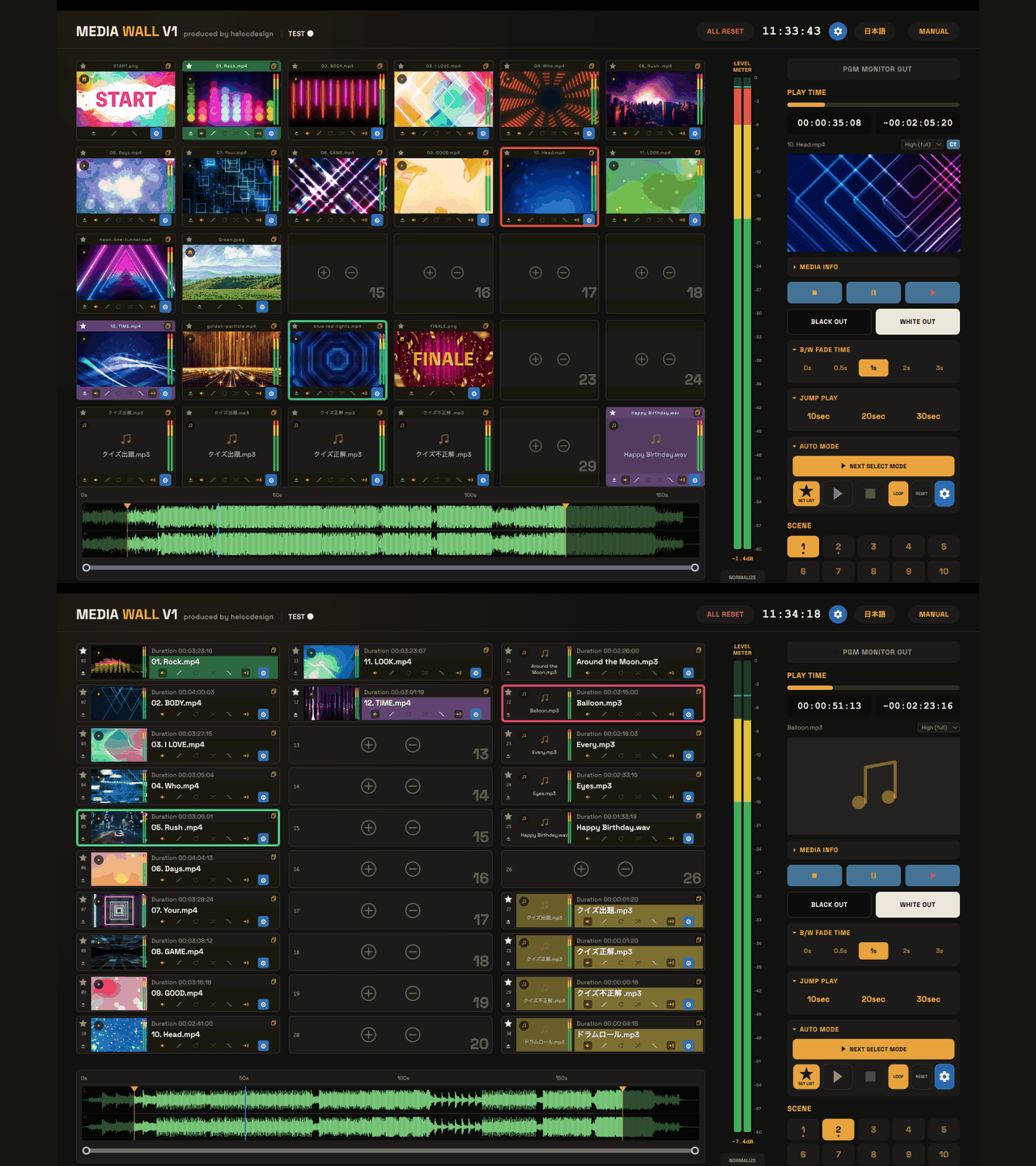

A practical tool for the people behind the show.
MEDIA WALL for Mac brings video, audio, still images and PDF pages into one visual tile workspace for events and presentations. Both English and Japanese interfaces are included.
- Arrange media and navigate waveforms to choose playback ranges.
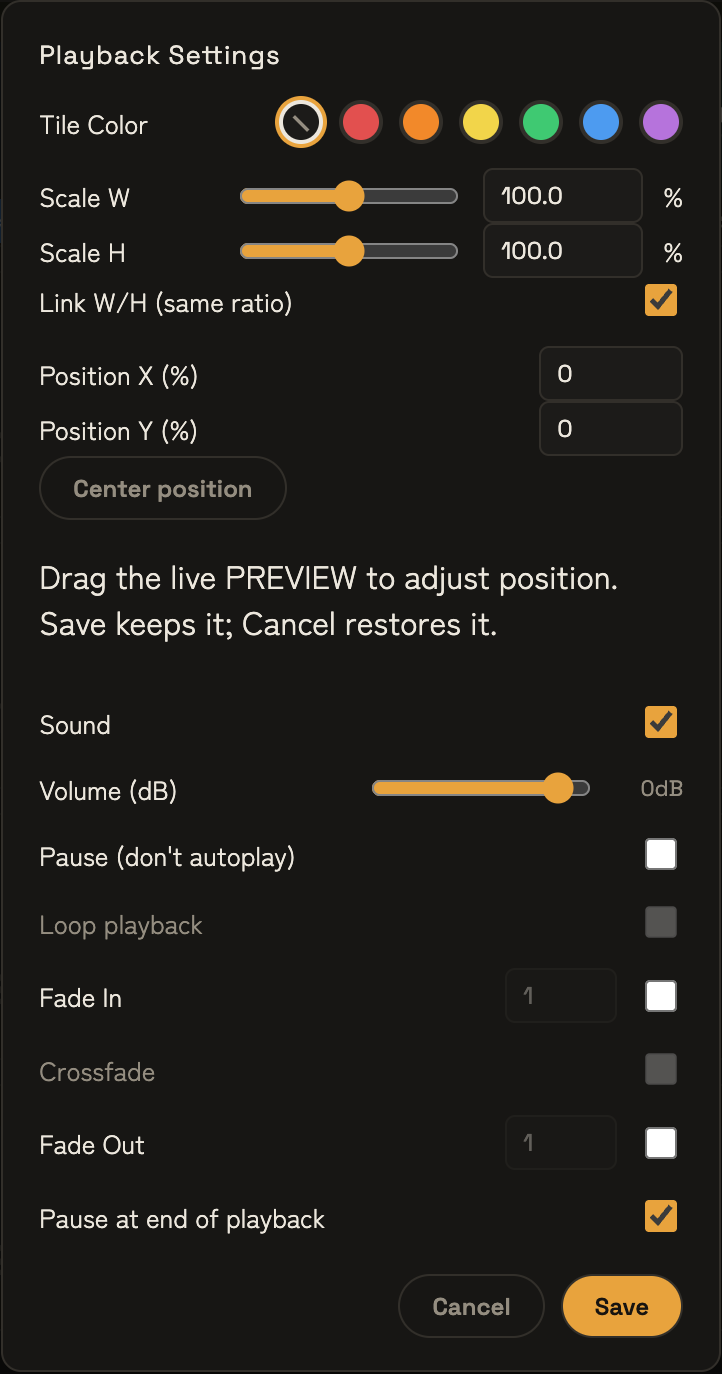
- Prepare CT thumbnails, reuse cues with their settings and organise up to 300 tiles across 10 scenes.
- Run starred cues with SETLIST PLAY MODE and LIST PLAY, or trigger each cue yourself.
- Send PGM MONITOR OUT to an external display while keeping controls on your Mac.
Supported Mac and project files
Apple Silicon Mac · macOS 13 or later. Intel-based Macs are not supported. ProRes 422 Proxy, LT, 422 and HQ support direct playback; ProRes 4444 and HAP are not supported. Test your actual media and output equipment before a live event.
The activated app saves layouts, playback settings and original-media references in .mediawall project files. Keep the source media separately and back up both. See the feature overview and quick-start guide.
Your license: payment → key → activation
- Sign in or create an account during checkout.
- Complete payment on Stripe, then return to the shop to check your order.
- Receive a separate license email, or sign in with the purchase account and open My Account → Licenses. Match the app and order, then choose Copy license key.
- Connect to the internet and activate the same app with the key. Confirm activation, then save the project.
A receipt, purchase key and app activation are separate things. If the license email is missing, check your purchase account before buying again. Do not send the full key in support messages.
One-time purchase · purchased major version · one registered Mac. The device certificate is valid for 30 days and renews when the app launches online, at no additional charge. Offline use is available while it remains valid. This is not a 30-day subscription or expiry of the purchased entitlement.
To change Macs, stop using the old Mac, open Licenses in the purchase account, select I confirm this action, then choose Release this Mac registration. Activate the new Mac online with the same key; move project files and media separately. Release does not immediately update an offline Mac or erase all records.
Purchase & license guide and FAQ → · 日本語の購入・ライセンスガイド →
About the free demo
Try it before you buy. Read the free demo download and installation guide. After trying the demo, use the purchase button in the app to return here and purchase your license. The same app becomes the licensed version after activation.
The shared app is available to download free before purchase. Purchase a license to activate the same app and remove the demo restrictions. The demo needs no purchase or account: 30 days from first use, up to 30 minutes per launch. Explore media arrangement, playback, waveforms, clicker controls and project loading. Saving is disabled; PGM output shows a MEDIA WALL DEMO watermark, and an audio announcement plays every 30 seconds during playback.
After purchase, online activation in the same app removes the demo restrictions and lets you save the current arrangement. Unsaved demo work is not guaranteed to survive quitting. The demo period, the device certificate’s validity and the purchased major-version entitlement are separate.
Before you purchase
Check the system requirements and license terms. Prices are presented on a USD basis. Review payment currency, tax information and the final total before confirming payment.
License and updates
Commercial and commissioned use is permitted. For an individual purchase, the purchaser may use the registered Mac. For a company purchase, employees and contractors may use the one registered Mac under the purchasing company’s management and responsibility. No additional license is required per user of that Mac. Use on another Mac requires an additional license, except when the same purchaser releases the old registration and moves to a replacement Mac. This does not transfer the license to a contractor.
The same purchaser may move to a replacement Mac. Resale, lending or transfer to another person or company is prohibited as a general rule. See the Terms / License.
Updates we provide within v1.x are available at no additional charge. A future v2 is an optional separate purchase; your purchased right to use v1.x is retained. We do not guarantee future macOS compatibility, indefinite updates or indefinite support.
Support and refunds
Contact support@helocdesign.net in English or Japanese. We generally aim for an initial response within 3 business days. Business days are based on Japan Standard Time (JST), exclude Saturdays, Sundays and Japanese public holidays, and are counted from the next business day after we receive your inquiry. This is not a resolution deadline or immediate live-show support. See Contact / Support.
We address refunds for duplicate purchases, inability to provide the product and serious defects that cannot be resolved. Change-of-mind requests are considered individually. Contact us normally within 14 days of purchase; this is not an absolute cutoff for later delivery failures or serious defects and does not restrict statutory rights or Stripe / Link remedies. See the Refund Policy.