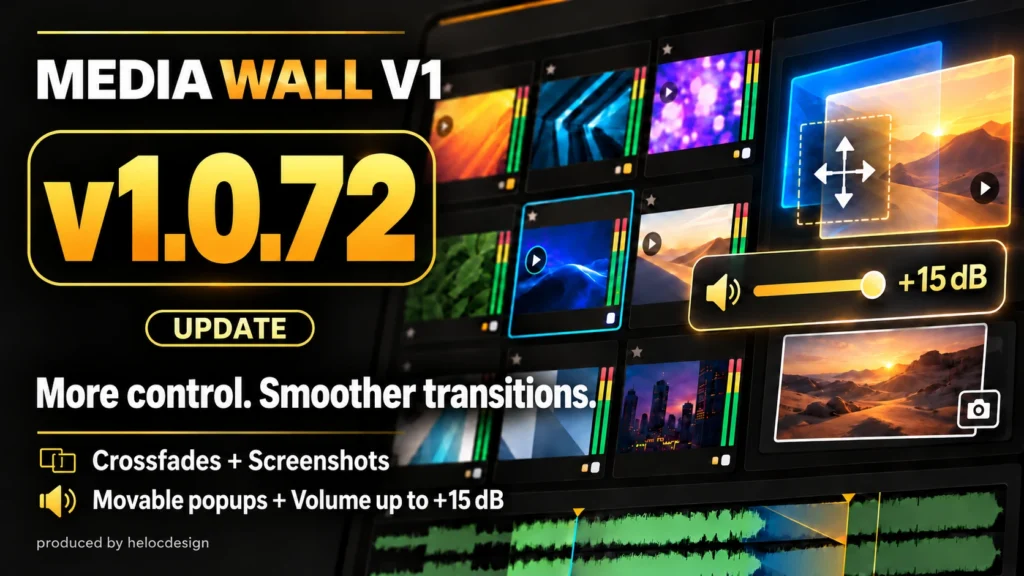
Explore the improvements in v1.0.72 for transitions, settings, and audio levels.
What’s new
- Improved crossfades: Picture and audio crossfades between tiles now work more smoothly. Adjust the transition duration in each tile’s settings.
- Capture video frames: Right-click the waveform, choose Screenshot, then click a red + to place the captured frame as an image tile—even with PGM OUT off.
- Movable settings popups: Drag a popup’s title to move it where it is easiest to use.
- Volume up to +15 dB: Adjust quieter media using either the slider or numeric input. Listen carefully to avoid clipping.
The Japanese and English manuals have also been updated.
How to update
Stop playback, save your project, then choose MEDIA WALL → Check for Updates. For v1.0.55 or earlier, download the latest ZIP and update manually.
Your purchase activation, settings, and saved projects are retained. You normally won’t need to purchase again or re-enter your license key.